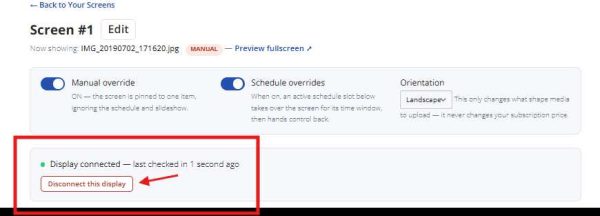
How to disconnect your screen
- Make sure you are logged in to your control panel for the screen you wanting to disconnect
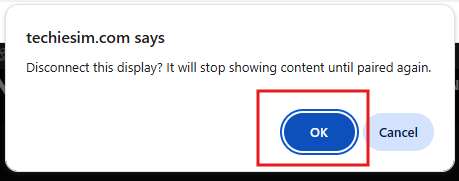
2. Select ok when you are asked are you sure. When you're comfortable, select ok.
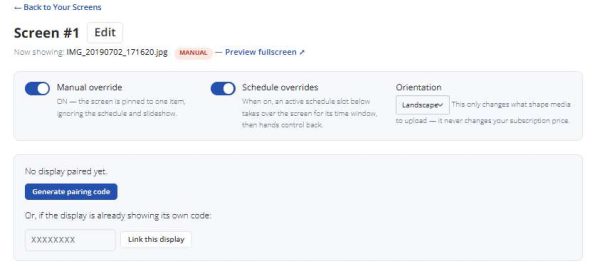
3. The control panel will give the option to pair again
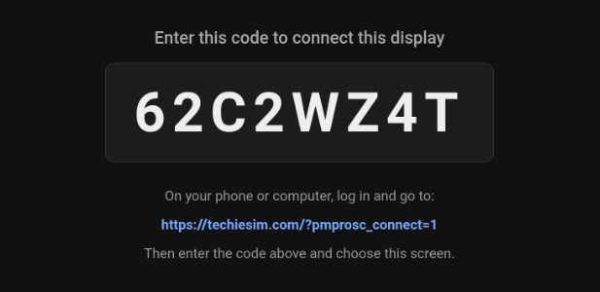
4. The screen showing on the device will instantly show a code to indicate that the screen has been disconnected and ready to be paired again: